Key takeaways
- A cloud kitchen still prepares food for sale, so it needs an SFA licence. Which one depends on who you sell to: consumers (food retail) or other outlets and businesses (food processing establishment).
- SFA states that for cloud kitchens, each subdivided unit must apply for its own licence. Renting a station in a shared kitchen does not put you under someone else’s licence.
- Delivery platforms bring demand but charge commission. Your own online ordering page with self-arranged delivery keeps more margin but needs marketing. A meal prep model with pre-orders is one way to make that work.
- Food safety does not end at the pass. SFA points delivery operators, including self-delivery, to Singapore Standard SS 672:2021 for delivering ready-to-eat food.
- With several brands and channels, order routing to the right station matters more than in a dine-in kitchen.
This guide is general information, not legal advice. For the general steps of setting up any food business (ACRA, Corppass, premises checks, SCDF, hiring, CPF and GST), see our restaurant guide and café guide. This article covers what is different for a delivery-only kitchen.
What is a cloud kitchen?
A cloud kitchen (also called a ghost kitchen, dark kitchen or delivery-only kitchen) is a commercial kitchen that prepares food for delivery and takeaway, with no dining room. Customers find it on delivery apps or an online ordering page, not by walking past.
The appeal of a cloud kitchen in Singapore is clear: you don’t pay for a prime shopfront, seating or front-of-house staff, and one kitchen can run several menus. The trade-offs are just as real. You depend on delivery channels for demand, you pay for that access, and you have no walk-in trade to fall back on. Customers judge you entirely on food that has travelled across town in a bag, so packaging and timing matter as much as the recipe.
Cloud kitchen models in Singapore
There are three common ways to set one up. Operators offer different mixes of these, so compare contracts carefully.
- Your own kitchen. You lease and fit out a unit yourself, often in an industrial or commercial building with lower rent than a mall. You control everything, but you carry the renovation cost, the licence application and the lease.
- Shared or commissary kitchen rental. An operator subdivides a large kitchen into stations or small units and rents them out, sometimes with shared cold rooms, dishwashing, cleaning and delivery pick-up counters. It is faster to start, and the lease is usually shorter. Check what is included, how the space is licensed and what happens if the operator’s lease ends.
- Delivery-platform or partner kitchens. Some kitchens may be offered in partnership with a delivery platform, possibly with placement or marketing on that platform. Read the terms on exclusivity, commission and data carefully, because you may be tied to one channel.
A fourth option is to add a delivery brand to an existing restaurant kitchen during quiet hours. That is often the cheapest way to test demand before committing to a dedicated site. Our food delivery statistics for Singapore show what share of F&B sales is made online. If pizza is the brand you want to test, read our guide to opening a pizza restaurant in Singapore.
Licensing: which SFA licence does a cloud kitchen need?
A cloud kitchen is not exempt because it has no seats. SFA’s page on food retail licences covers food shops such as restaurants, caterers and takeaway kiosks. Online food businesses are exempt only when they “merely serve as intermediaries”, which describes delivery apps and marketplaces, not the kitchen cooking the food.
Selling to consumers
If your kitchen cooks meals and sells them to consumers through apps and your own site, you are a food retail business. The Food Shop Licence, which SFA lists at $195 a year on its fees page, covers takeaway premises. The layout plan, renovation and pre-licensing inspection steps are the same as for a restaurant, and are explained in our café guide.
Supplying other outlets or brands you don’t own
SFA’s page on food manufacturing and storage licences states that food retail businesses are only permitted to sell to consumers, and that a business that supplies “their other outlets or other food businesses” is a food processing establishment, “such as a central kitchen”. If your kitchen prepares food for other operators’ brands, or supplies your own dine-in outlets, you may need a Licence to Operate a Food Processing Establishment. SFA’s fees page lists a $147.20 application fee and annual fees from $180 depending on floor area, with a 30 working day review and a physical inspection. SFA’s requirements page adds that these establishments should be in a food zone or an area with compatible industrial uses.
Shared kitchens: one licence per unit
The same SFA requirements page is explicit on sharing: if a licensee subleases the premises, in part or in whole, the new operator must apply for a new licence, and “for cloud kitchens, each subdivided unit must apply for its own licence”. Before signing with a shared-kitchen operator, ask which licence type applies to your unit, who submits the layout plan and whether the operator has done this with SFA before.
Because the right licence depends on your exact set-up, describe your model to SFA (through GoBusiness or SFA’s feedback form) before you commit to premises. All food handlers must have WSQ Food Safety Course Level 1 under either licence; see SFA’s food handler requirements.
Virtual brands: several menus, one kitchen
A virtual brand is a menu sold under its own name that exists only online. A kitchen might run a rice bowl brand, a wings brand and a dessert brand from the same line, sharing ingredients and staff. Our guide to POS for multi-brand restaurants and virtual brands covers the till side. If you would rather sell desserts from a shopfront, see opening a dessert shop in Singapore.
- Share ingredients deliberately. Design menus around overlapping ingredients so extra brands don’t multiply your stock and wastage.
- Keep each brand focused. A short menu that travels well beats a long one. Drop items that arrive soggy or cold.
- Check the platform terms. Read each platform’s merchant terms on listing several brands from one address before you launch them.
- Track each brand separately. You need sales, food cost and ratings by brand and by channel, otherwise a losing brand hides behind a winning one. Our guide to food cost explains how to calculate it.
Delivery channels: platforms vs your own ordering
Delivery platforms
Platforms such as GrabFood bring the customers a new cloud kitchen does not yet have. In return they charge commission on each order, and the rate and any marketing fees depend on the merchant agreement you sign. If you plan to list on foodpanda, read our foodpanda merchant guide. Which platforms you list on is your choice; read each platform’s current merchant terms directly before signing, because rates and conditions change. ChaChaCha integrates with GrabFood, so GrabFood orders flow into the POS and kitchen instead of being re-keyed from a tablet. See delivery integration.
Your own online ordering
An online ordering page under your own brand lets repeat customers order directly. You avoid platform commission on those orders and keep the customer relationship, including their contact details for loyalty and WhatsApp marketing. The costs are different: you pay for delivery, and you have to bring traffic to the page yourself. ChaChaCha’s online ordering page can dispatch your own orders through Lalamove, so you don’t need your own riders.
Commission vs own-channel: how to think about it
| Delivery platform | Own online ordering | |
|---|---|---|
| Finding new customers | Strong: customers already browse the app | Weak at first: you drive the traffic |
| Cost per order | Commission set in your merchant agreement | Delivery fee plus payment fees; no platform commission |
| Customer data | Limited, held by the platform | Yours, usable for loyalty and repeat marketing |
| Pricing control | Subject to platform rules and promotions | You set prices and promotions |
| Best use | Discovery and volume | Repeat customers and better margin |
Many cloud kitchens use platforms to find customers, then use packaging inserts and loyalty rewards to move regulars to their own page. Work out your margin per order on each channel, including packaging, before setting menu prices.
Packaging and food safety in transit
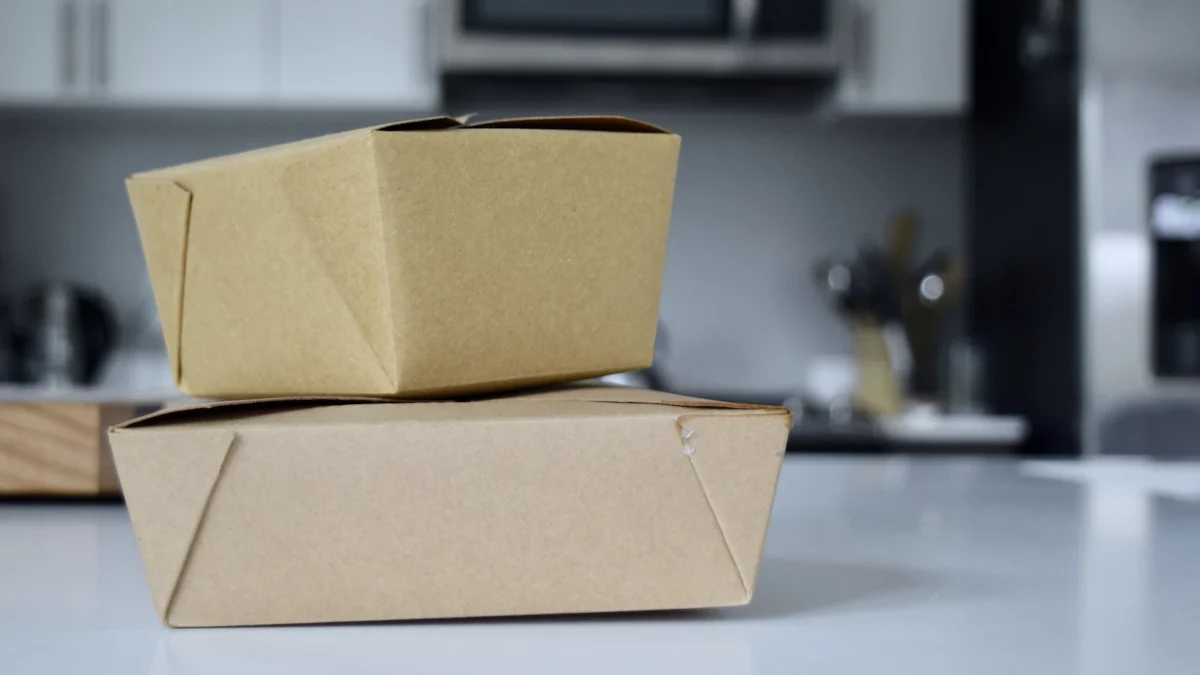
SFA’s food delivery businesses page says operators must ensure that the way food is delivered “does not compromise food safety”. It points to Singapore Standard SS 672:2021, guidelines on the delivery of ready-to-eat food, which apply to all delivery service providers “including self-delivery services by food retail outlets”. The standard is voluntary, but its examples are good practice for any cloud kitchen: pack meals in a clean, sanitised area separate from raw food, and keep hot or cold chains for the whole delivery.
- Test every dish in its box. Pack it, wait the length of a typical delivery, then eat it. Change the dish or the container if it fails.
- Separate hot and cold. Pack sauces, salads and drinks apart from hot mains.
- Seal for tamper evidence. Stickers or sealed bags reassure customers the food was not opened in transit.
- Allergen and order checks. Print the order ticket with modifiers and allergy notes, and check each bag against it before handover.
- A clear pick-up point. Riders waiting in the kitchen are a hygiene and safety risk. Set up a handover shelf or counter.
Kitchen display and order routing
Orders arrive from several apps and brands at once, so the kitchen needs one queue, not three tablets. For one POS comparison focused on delivery kitchens, see Sapaad and ChaChaCha side by side.
- One order queue. Bring delivery and online orders into the POS so every order appears in the same place and in the same format. Comparing systems? See alternatives to Sapaad for cloud kitchens.
- Route by station. A kitchen display system with station routing sends fry items to the fryer station and cold items to the cold station, regardless of which brand the order came from. ChaChaCha’s KDS supports station routing, order prioritisation and prep timers.
- Watch prep times. Prep timers show which orders are running late before a rider is kept waiting.
- Tickets where they help. Epson cloud printing can send tickets to several printers, for example a packing station label as well as the kitchen ticket. Tickets can print in English or Chinese.
- Reports by brand and channel. Sales reports show which brand, channel and hour make money, and inventory tracking shows shared ingredient usage.
Our cloud kitchen POS page shows how this fits together for a multi-brand kitchen.
Costs to plan for
We don’t quote typical totals, because shared-kitchen rents and platform terms vary by operator and agreement. Get written quotes and read each contract. Categories to budget:
| Category | What it includes | Notes |
|---|---|---|
| Kitchen space | Own lease and deposits, or shared kitchen rental | Shared kitchens may bundle utilities, cleaning or pick-up counters; check what is extra |
| Fit-out and equipment | Cooking line, exhaust, cold storage, packing station | Less front-of-house spend than a restaurant |
| Licences | SFA licence for your unit; see fees above | One licence per subdivided unit |
| Platform fees | Commission and optional marketing fees | Set by each merchant agreement |
| Own-channel delivery | Per-order delivery fees for your own orders | Decide whether to pass on to customers |
| Packaging | Containers, bags, seals, labels | A real cost on every order; include it in dish costing |
| Technology | POS, KDS, printers, online ordering, loyalty | Use our POS cost calculator |
| Marketing | Photography, platform promotions, social media | Needed for each virtual brand |
Grants: the EDGE Grant
Enterprise Singapore’s EDGE Grant page states that PSG, EDG and MRA combine into the EDGE Grant from 30 September 2026. It lists support of up to 70% for SMEs, with levels that differ by activity, paid on reimbursement after the project is completed. AppsPOS, which powers ChaChaCha, has been a PSG pre-approved vendor and is approved under the EDGE Grant. Read our grant guide for POS systems.
Cloud kitchen launch checklist
| Stage | Task |
|---|---|
| Concept | Pick one or two brands with menus that travel well and share ingredients |
| Model | Own kitchen, shared kitchen or partner kitchen; compare contracts and exit terms |
| Licence | Confirm with SFA which licence your unit needs; each subdivided unit applies separately |
| Premises | Check approved use or food zone, exhaust, power and rider pick-up access |
| People | Food handlers complete WSQ Food Safety Course Level 1 |
| Packaging | Test every dish after a real delivery time; tamper seals; hot/cold separation |
| Channels | Sign platform agreements you choose; set up your own online ordering with delivery |
| Systems | POS with delivery integration, KDS station routing, printers at kitchen and packing |
| Costing | Margin per dish per channel, including commission and packaging |
| Launch | Soft launch with limited hours; review ratings, prep times and wastage weekly |
Running several brands from one kitchen? Talk to us about GrabFood integration, KDS routing and your own online ordering with Lalamove. ChaChaCha pricing is quote-based.