
Features
POS Payments: PayNow, SGQR, NETS & Cards
Take PayNow, SGQR, NETS, credit cards and e-wallets on one system. Every payment reconciles automatically at close.
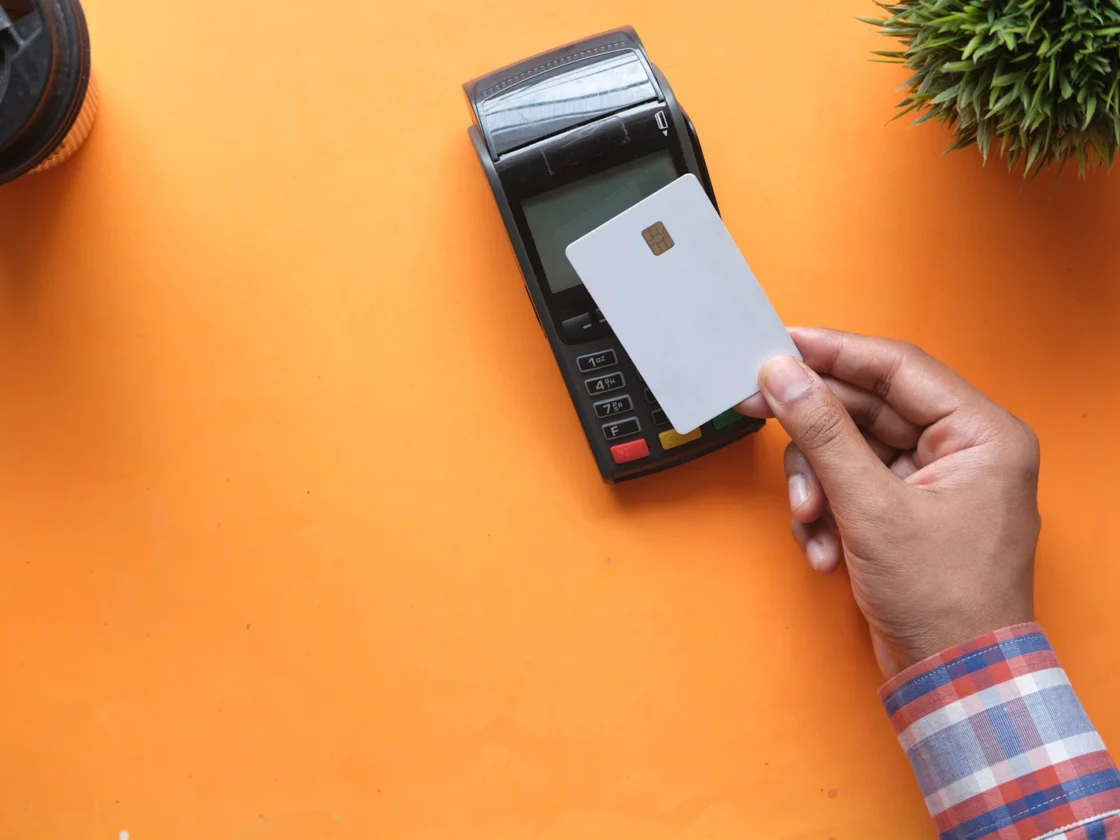
Singapore customers pay in many ways. Your POS should accept all of them without manual entry, and your end-of-day totals should match your bank without a spreadsheet.
What you get
Local payment methods
PayNow, PayLah!, NETS, Visa, Mastercard and GrabPay, through payment partners including DBS, UOB and 2C2P.
Integrated terminals
The amount goes to the terminal automatically, so there are no keying errors.
Split payments
Take several payment methods on one bill.
Automatic reconciliation
Closing reports match what the bank settles.
How integrated payments work at the counter
- Staff close the bill on the POS.
- The amount goes to the payment terminal automatically, so nothing is keyed in twice.
- The customer taps or inserts a card, pays by NETS, or scans to pay with PayNow, PayLah! or GrabPay.
- The POS marks the bill paid and prints or sends the receipt.
- For groups, staff split the bill by item or amount and take each share by a different method.
- At close, totals by payment method are ready to match against what the bank settles.
The same payment options work on the self-order kiosk's built-in terminal, so counter and kiosk sales end up in the same report.
Payment methods Singapore customers expect
Which methods matter most depends on where you trade and who you serve. SGQR puts several scan-to-pay options behind one code at the counter, so customers can pay with the app they already use.
Hawker stalls, kopitiams and cafés
Small bills and quick queues. Scan-to-pay with PayNow and PayLah! is fast for customers and saves staff from handling change.
Restaurants and bars
Larger bills and groups who want to split. Cards and contactless payments are common, and split payments save staff from doing the maths by hand.
Retail and service businesses
NETS and cards cover most local shoppers, while Visa and Mastercard cover visitors from overseas. Salons and service businesses often see a mix of card and PayNow.
Kiosks and QR ordering
When customers order on their own, they pay on their own too. Cashless payment on the kiosk and at the table cuts the time spent at the counter.
Why automated reconciliation matters
At the end of a long shift, nobody wants to add up terminal slips. Manual reconciliation means comparing a paper report with bank statements line by line. It is slow, and small gaps go unnoticed until they add up.
When payments are integrated, every transaction is recorded against its payment method as it happens. Here is what to review regularly:
- Payment mix: which methods your customers use most, by outlet.
- Refunds and voids: who processed them and why.
- Settlement gaps: any day where POS totals and bank settlement do not match.
- Cash variance: the difference between expected and counted cash in the drawer.
If you use the Xero integration, each payment method also posts to its own clearing account. That makes month-end much simpler for you and your accountant.
Choosing a payment setup: questions to ask
- Which payment methods do my customers actually use?
- How many terminals do I need, including at the kiosk or bar?
- What are the rates, and do they change as my volume grows?
- How and when will each payment method settle to my bank?
- Can the terminals be included in my hardware package, and does any grant support apply?
- Will payments keep working at a busy counter, a kiosk and a bar at the same time?
- Who do I call if a terminal has a problem during service?
We will go through these with you and recommend a setup through our payment partners, DBS, UOB and 2C2P.
Also think about the counter layout. Put the terminal where customers can reach it easily, and keep the SGQR code in clear view so people are not leaning over the counter to scan.
Part of one system
Payments: PayNow, NETS & Cards shares the same menu, customers and reports as the rest of ChaChaCha, so there’s nothing to sync or re-key. See how it fits your business on our industry pages, or book a demo.
Related guides
Built for every kind of F&B
Restaurant POS System
Table maps, split bills, coursing and a kitchen display for full-service dining.
Learn moreCafé POS System
Fast counter checkout, modifiers for every drink and a loyalty programme for regulars.
Learn moreHawker & Kopitiam POS
A simple, affordable POS for stalls and kopitiams, with SGQR and PayNow built in.
Learn moreBar & Nightlife POS
Open tabs, happy hour pricing and stock control on every pour.
Learn moreBakery POS System
Quick checkout, pre-orders and inventory tracking that goes down to the ingredient.
Learn moreCloud Kitchen POS
GrabFood and online orders on one screen, with Lalamove delivery.
Learn moreFrequently asked questions
Can I use my existing payment terminal?
Integrated terminals come through our payment partners, including DBS, UOB and 2C2P. Tell us about your current setup and we'll advise whether it can be connected.
What are the transaction fees?
Rates depend on the payment partner and your transaction volume. We'll quote them with your package.
Can customers split payment methods?
Yes. Take part card, part PayNow, or any other mix.
Do you accept PayLah! and GrabPay?
Yes. Alongside PayNow, NETS, Visa and Mastercard, ChaChaCha supports PayLah! and GrabPay through our payment partners. Every method is recorded against the bill in the POS, so your closing report shows totals by payment method without any manual entry.
Can the self-order kiosk take payments too?
Yes. The kiosk has a built-in payment terminal for cards, NETS, PayNow and e-wallets. Kiosk payments are recorded in the same POS as counter payments, so they reconcile together at the end of the day with no separate report to match.
See ChaChaCha running in your business
Book a 20-minute walkthrough. We'll set up your menu or catalogue and your payments so you can see how it would run on day one.