
Features
QR Ordering System for Restaurants & Cafés
Diners scan, order and pay from their table. Orders go straight to the kitchen and your staff stay free for service.
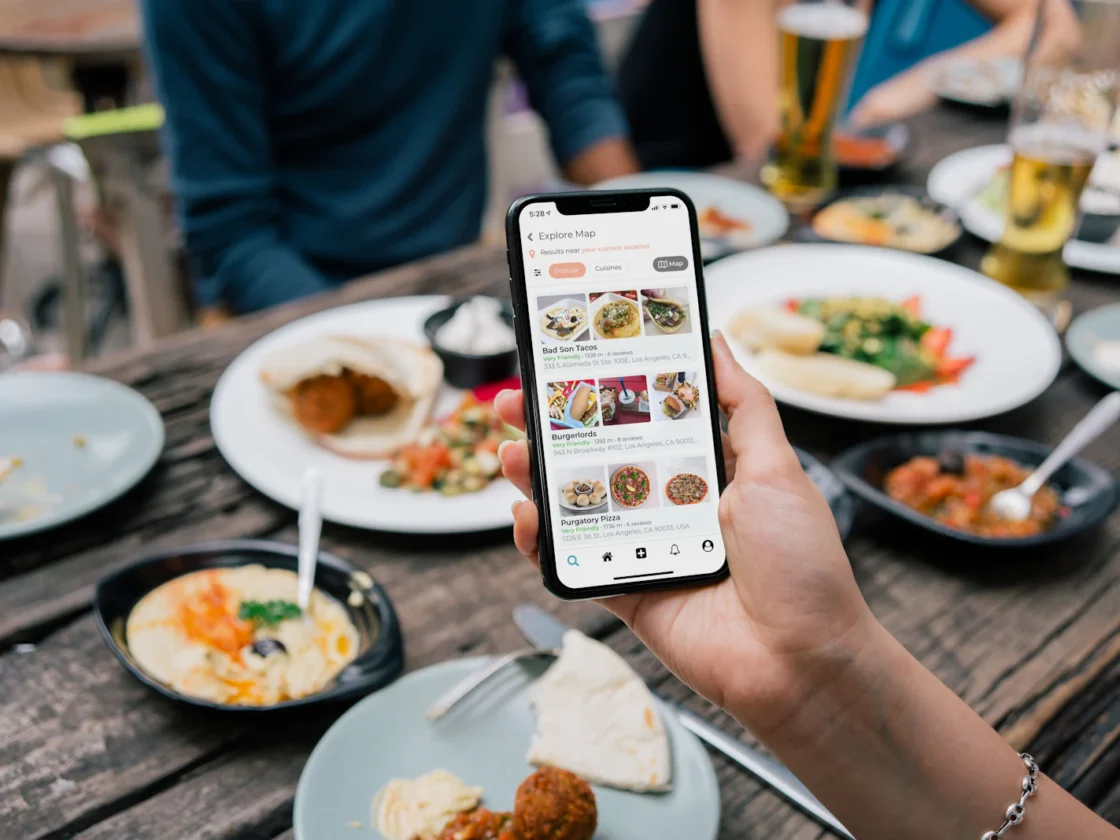
QR ordering lets diners order when they are ready, without waiting for a server. You need fewer staff on the floor, orders are more accurate, and order values often go up when every add-on is shown with a photo.
What you get
Table-specific QR codes
Each table has its own code, so orders arrive already tagged to the right table.
Pay at the table or at the end
Diners can pay as they order, or run a table tab and settle up at the end.
Upsells built in
Suggest sides, drinks and add-ons at the right moment.
Straight to the kitchen
Orders route to the kitchen display or printer with no re-keying.
How QR ordering works for diners
There are two ways to run QR ordering. Most outlets pick one, and some run both at once.
Dine-in: order at the table, pay when you are done
- The diner scans the QR code on their table and a real-time e-menu opens in the phone browser.
- They add dishes to the cart, choose options such as spice level or less ice, and send the order.
- The order goes to the kitchen tagged with the table number, and the table can add more rounds at any time.
- When the meal is over, they pay from the phone or at the counter.
- Members earn rebates on the bill, which gives them a reason to come back.
Pre-order: order ahead, collect at the counter
- The customer scans a QR code at the counter, on a poster or on your online ordering page.
- They add items to the cart, then pay and send the order in one step.
- The kitchen starts cooking straight away, and the customer collects when it is ready.
Is QR ordering right for your restaurant?
QR ordering works best where people order more than once, or where the counter is the bottleneck.
Casual dining and zi char
Groups order in rounds. Instead of waving for a server each time, they add dishes from the table and the bill builds up in one place.
Cafés and brunch spots
Customers browse the full menu at their own pace, with photos and clear choices for milk, sugar and extra shots.
Bars and late-night venues
Guests keep a tab open and reorder drinks without queuing at the bar. Staff can focus on pouring and clearing tables.
Hawker and food court stalls
Pre-order with payment up front shortens the line in front of the stall. Pair it with the queue system, which sends an SMS when the order is ready, so nobody has to hover.
If your guests expect full table service, keep staff ordering as the main flow and offer QR for top-up rounds and drinks.
What to measure after you switch on QR ordering
Give it a few weeks, then compare with the same weeks before you started.
- Average bill size: are diners taking up the suggested sides and drinks?
- Order mix: how many orders come in by QR and how many through staff.
- Table turn time: does paying by phone free up tables sooner at peak?
- Voids and complaints: fewer arguments about what was actually ordered.
- Menu behaviour: QR ordering tracks what diners view, add and remove, so you can spot dishes that get looked at but rarely ordered.
Use what you learn to reorder the menu, rewrite a description or reshoot a photo. On a digital menu these changes cost nothing to try.
Tips for a smooth QR ordering rollout
- Put good photos on your best sellers and high-margin dishes first.
- Keep option lists short and in the order the kitchen needs them.
- Place codes where they are easy to scan, with a clear line such as "Scan to order and pay".
- Show prices clearly, and state whether service charge and 9% GST apply, so there are no surprises at payment.
- Brief staff to help older diners, or anyone who would rather order in person.
Part of one system
QR Ordering System shares the same menu, customers and reports as the rest of ChaChaCha, so there’s nothing to sync or re-key. See how it fits your business on our industry pages, or book a demo.
Related guides
Built for every kind of F&B
Restaurant POS System
Table maps, split bills, coursing and a kitchen display for full-service dining.
Learn moreCafé POS System
Fast counter checkout, modifiers for every drink and a loyalty programme for regulars.
Learn moreHawker & Kopitiam POS
A simple, affordable POS for stalls and kopitiams, with SGQR and PayNow built in.
Learn moreBar & Nightlife POS
Open tabs, happy hour pricing and stock control on every pour.
Learn moreBakery POS System
Quick checkout, pre-orders and inventory tracking that goes down to the ingredient.
Learn moreCloud Kitchen POS
GrabFood and online orders on one screen, with Lalamove delivery.
Learn moreFrequently asked questions
Do diners need to download an app?
No. The menu opens in the phone's browser.
Can staff still take orders?
Yes. QR and staff orders go into the same bill for each table.
Can I turn QR ordering off at busy times?
Yes. You can switch QR ordering on or off by outlet or time.
Can customers use QR ordering for takeaway?
Yes. With the pre-order flow, customers scan a QR code, add items to the cart, then pay and send the order in one step. The kitchen starts preparing it right away and the customer collects at the counter when it is ready.
Do QR orders count towards loyalty rewards?
Yes. QR orders go into the same POS as counter orders, so members can earn rebates on their bill as they would at the counter. Their rewards build up across visits, which gives diners a reason to order through the QR menu again.
See ChaChaCha running in your business
Book a 20-minute walkthrough. We'll set up your menu or catalogue and your payments so you can see how it would run on day one.