Key takeaways
- Table turnover rate = parties served ÷ number of tables, measured for one service period such as lunch or dinner.
- Look at it alongside seat turnover and RevPASH (revenue per available seat hour), which account for party size and spend.
- The biggest time losses are usually waiting: to order, for food, and for the bill. Cutting idle time works better than rushing guests.
- Higher turnover is not always the goal. Fine dining, bars and cafés built around lingering should protect the experience first.
What table turnover rate is
Table turnover rate (often called “table turns”) measures how many times, on average, each table in your restaurant is used by a new party during a service period. If a table seats one group at 12:00 and another at 13:15, it has turned twice that lunch.
It matters because your seats are a fixed resource. Rent, air-conditioning and staff costs are much the same whether a table serves one party or three during a lunch rush. In Singapore, where rents are high and the lunch window in business districts is short, getting more use out of each table during peak hours can make a real difference to revenue, without adding floor space.
Turnover is a measure of flow, not of quality. A high number with unhappy guests is not a success, and a low number in a restaurant designed for long, relaxed meals is not a failure. The value comes from tracking it consistently and understanding what drives it in your own outlet.
How to calculate table turnover rate
The basic formula is:
Table turnover rate = number of parties served ÷ number of tables
Always calculate it for a specific service period (breakfast, lunch, dinner or supper), because mixing a busy lunch with a slow afternoon hides what is really happening.
Worked example (hypothetical numbers)
Imagine a restaurant with 20 tables. During one weekday lunch service from 11:30 to 14:30, it serves 50 parties.
Table turnover rate = 50 ÷ 20 = 2.5 turns for that lunch.
On average, each table was used by two and a half parties. Some tables near the entrance may have turned four times while a large round table in the corner turned once, which is why looking at individual tables or sections can be useful too.
Average table time
You can also estimate how long parties hold a table on average:
Average table time ≈ service period length ÷ table turnover rate
Using the same hypothetical lunch: 180 minutes ÷ 2.5 turns = about 72 minutes per table. This includes time between parties, when the table is being cleared or is empty, so it will be longer than the actual time guests spend eating. If your POS records when a table is opened and closed, you can see actual seated time directly instead of estimating.
Tips for accurate numbers
- Count parties (bills or table sessions), not individual guests, for table turnover.
- If you combine tables for big groups, decide on a consistent way to count them.
- Exclude takeaway and delivery orders, which don’t use a table.
- Compare like with like: weekday lunch against weekday lunch, not against Saturday dinner.
Related metrics: seat turnover and RevPASH
Table turnover is useful, but it doesn’t account for party size or how much each party spends. Two related metrics fill those gaps.
Seat turnover
Seat turnover = covers (guests) served ÷ number of seats
If the hypothetical restaurant above has 60 seats and served 120 covers at lunch, seat turnover is 120 ÷ 60 = 2.0. Seat turnover shows how well you fill chairs, not only tables. A four-seat table used by a single diner three times has a good table turnover but poor seat use. If table turnover is high while seat turnover is low, your table mix may not match your typical party size.
RevPASH (revenue per available seat hour)
RevPASH combines time, seats and money into one number:
RevPASH = revenue for the period ÷ (number of seats × hours in the period)
Illustrative example: a restaurant with 40 seats is open for a 3-hour dinner service, giving 40 × 3 = 120 available seat hours. If dinner revenue is $3,600, RevPASH = $3,600 ÷ 120 = $30 per seat hour. These figures are hypothetical and only show how the formula works.
RevPASH is helpful because it shows the trade-off between speed and spend. A faster turn that comes with a much smaller average bill may not increase RevPASH. A slightly slower turn with a dessert and drinks upsell might. Tracking RevPASH by hour also reveals which time slots are under-used, which helps with staffing and promotions.
| Metric | Formula | What it tells you |
|---|---|---|
| Table turnover rate | Parties ÷ tables | How often tables are reused |
| Seat turnover | Covers ÷ seats | How well chairs are filled over the service |
| Average table time | Service length ÷ table turns | How long each party holds a table, including gaps |
| RevPASH | Revenue ÷ (seats × hours) | How much money each seat earns per hour |
What affects table turnover
Every stage of the meal adds time. Some of that time is enjoyable for the guest (eating, talking). Much of it is simply waiting. The main factors are:
Layout and table mix
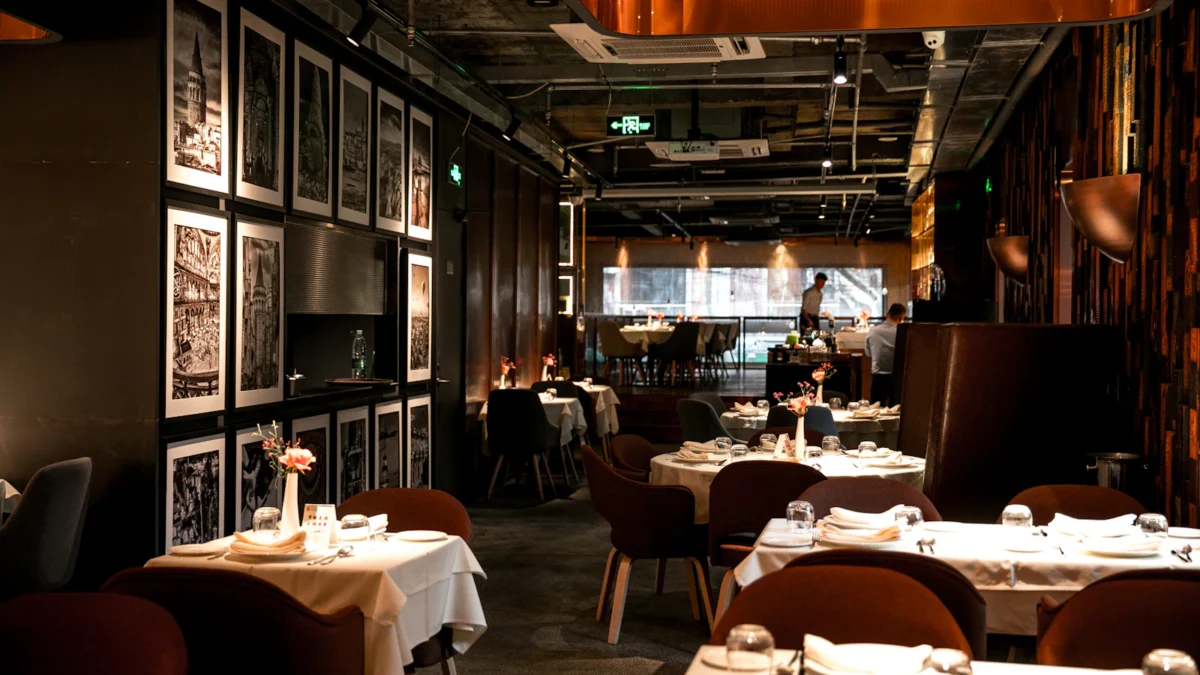
If most of your guests come in pairs but most tables seat four, you lose capacity. Tables that can be joined or split let you match the floor to the party sizes you actually get. Tight walkways slow down servers and runners, and tables hidden from staff sightlines get noticed later.
Menu design
A long menu takes longer to read and longer to cook. Dishes with complex preparation slow the kitchen at peak times. Many lunch-focused outlets use a shorter menu or set lunches during the rush, which speeds both ordering and preparation.
Kitchen speed and coordination
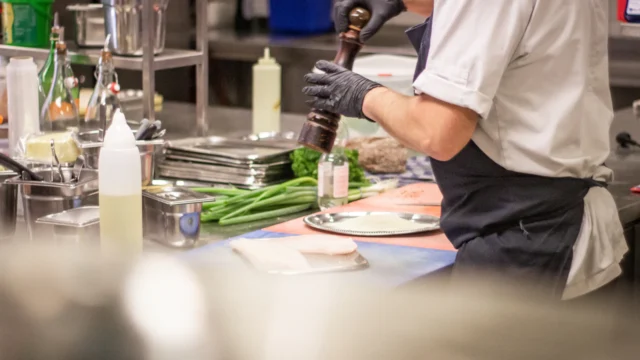
Delays between order and food are often not about cooking time but about coordination: tickets that are hard to read, dishes for one table finished at different times, or orders stuck at the wrong station. When mains arrive in a staggered way, the whole table waits.
Ordering and payment time
Guests waiting to catch a server’s eye to order, add a drink or ask for the bill is dead time. In many restaurants, the wait for the bill and payment is one of the most frustrating moments for guests, and it keeps a table occupied after the meal is finished.
Clearing and resetting
Once a party leaves, the table needs clearing, wiping and resetting. If it sits dirty for several minutes during a rush, you lose seats while guests wait at the door.
How to turn tables faster without rushing guests
The aim is to remove waiting, not to hurry people through their meal. Guests who feel rushed are less likely to return, and in Singapore a poor review travels quickly.
Let guests order and pay at the table with QR ordering
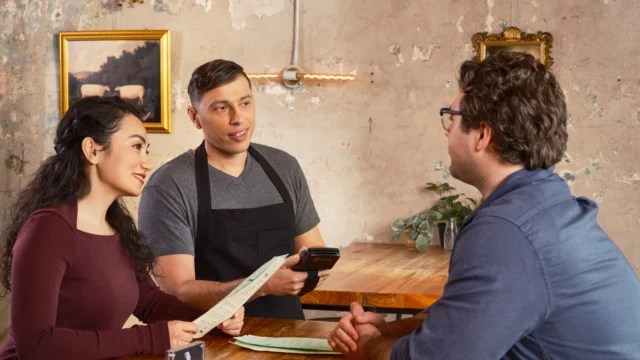
With QR ordering, guests scan a code at the table, browse the menu, and send their order straight to the kitchen. They don’t wait for a server to take the order, and adding a second round of drinks takes seconds. Staff can spend their time on service instead of walking back and forth with notepads.
Remove the wait for the bill
Paying at the table, whether through the QR flow or a server bringing a terminal, cuts out the “can we have the bill?” delay. Supporting the payment methods Singapore diners use, such as PayNow, PayLah!, NETS and cards, and allowing split payments for groups, keeps the final step short.
Use a kitchen display system to time dishes
A kitchen display system (KDS) sends each item to the right station, shows how long each order has been waiting and lets the kitchen prioritise. Prep timers help chefs see which tables are falling behind before guests start looking around for their food. The result is dishes that arrive together and a table that finishes on time.
Pre-bus as the meal goes on
Clear empty plates, glasses and finished sharing dishes as guests finish them (after checking politely). By the time the party leaves, there is little left to clear, and the table can be reset in moments.
Map your tables and seat parties smartly
A live table map in your POS shows which tables are free, occupied, or waiting to be cleared, and how long each party has been seated. Hosts can seat a party of two at a two-top instead of a four-top, and see which tables are likely to free up next. Combined with a queue system that notifies waiting guests by SMS, you avoid empty tables sitting unnoticed while people wait outside.
Streamline the menu at peak
Consider a shorter peak-hour menu or a set lunch. Fewer choices speed up both decisions and the kitchen, and set menus can simplify costing too.
When NOT to chase table turnover
Table turnover is a tool, not a goal for every business. Pushing it can hurt in these situations:
- Fine dining and tasting menus. Guests are paying for a long, paced experience. A higher spend per cover matters far more than extra turns.
- Bars and lounges. In a bar, guests who stay longer often keep ordering. Here revenue per seat hour and average tab size are more useful than turns.
- Cafés built around lingering. If people come to work or chat, forcing them out damages the reason they chose you. Manage peak hours with clear policies instead.
- Special occasions. Birthday and anniversary tables should not feel hurried, even on a busy night.
In these cases, track RevPASH and average spend, and focus on removing frustrating waits rather than shortening the meal itself.
Tracking table turnover with your POS
You don’t need a spreadsheet and a stopwatch. A modern restaurant POS already knows when each table was opened, what was ordered and when the bill was closed. Use that data:
- Table management: see live table status and seated time on the floor plan during service.
- Sales by period: use POS reports to count bills and covers by lunch, dinner or hour, then apply the formulas above.
- Kitchen timing: KDS prep timers show where orders slow down, so you can tell whether the delay is in the kitchen or on the floor.
- Before-and-after comparisons: when you introduce QR ordering or pay-at-table, compare turnover, average spend and RevPASH for the same service periods before and after.
ChaChaCha, powered by AppsPOS, includes table management, split bills and tabs, QR ordering with pay-at-table, a KDS with station routing and prep timers, a queue system with SMS notifications, and reports. It also keeps taking orders if the internet drops and syncs later, so a connection blip doesn’t stall the floor at peak hour. Pricing is quote-based; contact us to see how it would fit your layout.
Table turnover checklist
- Calculate table turnover (parties ÷ tables) for each service period, every week.
- Track seat turnover and RevPASH alongside it, so speed is not bought at the cost of spend.
- Check your table mix against your typical party size; make tables easy to join and split.
- Offer a shorter menu or set meals at peak hours.
- Let guests order from the table with QR ordering.
- Remove the bill wait with pay-at-table and split payments.
- Use a KDS with prep timers so dishes for a table arrive together.
- Pre-bus during the meal and reset tables quickly.
- Use a live table map and queue notifications to seat waiting guests promptly.
- Review the numbers monthly, and never trade guest experience for a higher turn count.