Key takeaways
- A traditional (on-premise) POS keeps its software and data on a server or terminal in your outlet. A cloud POS keeps them on the vendor’s servers and you use it through an app or browser. A hybrid POS works from the cloud but keeps trading locally if the internet drops.
- Traditional systems usually cost more upfront and less each month. Cloud systems usually cost less upfront and carry a subscription. Compare total cost over the contract, not the headline.
- Offline behaviour matters more than the label. Ask every vendor exactly what still works when the line goes down, and how orders sync afterwards.
- Whichever you choose, you remain responsible for personal data under the PDPA. Know where your data sits and how you get it out.
- ChaChaCha is a web/hybrid POS: it keeps taking orders if the internet drops and syncs when the connection returns.
Disclosure: ChaChaCha sells a web/hybrid POS, powered by AppsPOS. We have tried to describe each type fairly, including the cases where a traditional system is still a sensible choice.
What “traditional”, “cloud” and “hybrid” POS actually mean
Cloud based POS, online point of sale, POS online: the terms get used loosely in sales conversations, so it helps to pin them down before you compare quotes. If you are new to the category, start with what a POS system is and what it does.
Traditional (on-premise or legacy) POS
The POS software is installed on hardware in your outlet, often with a local server in the back office that holds the menu, transactions and reports. If you run Oracle MICROS or Simphony, see our guide to Simphony alternatives in Singapore. Terminals talk to that server over your local network. Updates are typically installed by the vendor or a technician, sometimes on site. Reports are read at the outlet, or through remote-access software that connects to the server.
Cloud (web-based) POS
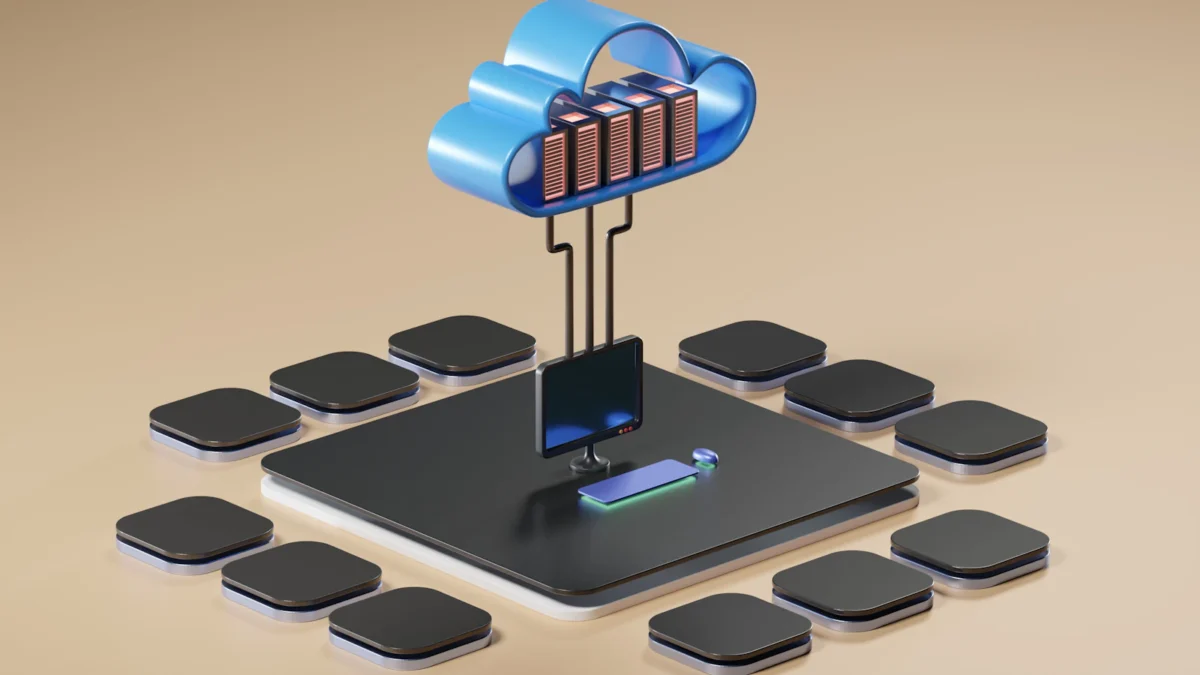
In a cloud-based POS system, the software and data live on the vendor’s servers. Your terminals, tablets and phones run an app or a browser that connects over the internet. The vendor pushes updates centrally, and you can log in to the back office from anywhere to see sales, change the menu or check stock.
Hybrid POS
A hybrid system is managed from the cloud but keeps enough on the device, or on a local hub, to keep trading when the internet drops. Orders taken offline are stored locally and sent up when the connection comes back. In practice, many systems sold as “cloud POS” are hybrids to some degree, and the degree matters. Some keep full ordering and printing running offline; others fall back to a limited mode.
ChaChaCha is a web/hybrid POS. It keeps taking orders if the internet drops and syncs later, while menus, reports and multi-outlet management are handled through the web back office.
Side-by-side comparison
The table below describes typical differences. Individual vendors vary, so treat each row as a question to put to the vendors you are considering.
| Factor | Traditional (on-premise) | Cloud | Hybrid |
|---|---|---|---|
| Upfront cost | Usually higher: software licence, server and installation | Usually lower: hardware and set-up only | Similar to cloud |
| Ongoing cost | Often an annual maintenance or support fee | Monthly or annual subscription | Monthly or annual subscription |
| Software updates | Installed by vendor or technician, sometimes chargeable | Pushed centrally by the vendor | Pushed centrally by the vendor |
| Remote reporting | At the outlet, or via remote-access tools | Web back office from any device | Web back office from any device |
| Multi-outlet management | Each outlet often has its own server; consolidation can take extra work | Central menu, pricing and reports | Central menu, pricing and reports |
| When the internet drops | Local trading usually continues; remote reporting and online payments may stop | Depends on the vendor; some features may stop | Keeps taking orders and syncs later |
| Data backup | Your responsibility, unless the vendor contract covers it | Handled by the vendor; check how and how often | Handled by the vendor, plus local storage while offline |
| Hardware lock-in | Often tied to specific terminals and servers | Varies: some run on standard tablets, others on supplied hardware | Varies by vendor |
| Security responsibilities | Mostly yours: server, network, patches, physical access | Shared: vendor secures the platform, you control logins and devices | Shared, as for cloud |
For a fuller breakdown of how vendors charge, see our guides to POS system cost in Singapore and POS pricing models. The POS cost calculator helps you add up a multi-year total.
Cost: upfront versus ongoing
The biggest practical difference is when you pay. A traditional system front-loads the cost into a licence and hardware purchase, then charges for support, upgrades or call-outs. A cloud or hybrid system spreads the cost into a subscription, usually with hardware bought or bundled at the start.
Neither is automatically cheaper. What matters is the total over the period you expect to use the system, including:
- hardware: terminals, printers, cash drawers, kitchen displays, kiosks and payment terminals (our restaurant POS hardware guide lists the usual pieces);
- software: licence or subscription, per-terminal or per-outlet fees, and paid add-ons;
- support: annual maintenance, after-hours support and on-site visits;
- payments: card and PayNow processing, which sits outside the POS price at many vendors (see our payment terminal guide);
- upgrades: what it costs to move to a new version or replace ageing hardware.
Grant support can also change the maths. Enterprise Singapore’s EDGE Grant covers digital solutions, and our EDGE and PSG grant guide explains how it works and why you must apply before you commit.
Internet reliability in Singapore outlets
Singapore has good fixed and mobile coverage, but individual outlets still lose connection. A contractor cuts a cable during renovation works next door, a router fails on a Friday night, a mall’s shared network has a bad hour, or a basement food court unit sits in a mobile dead spot. Short outages happen; what matters is what your POS does when they do.
Questions worth asking any vendor:
- Can cashiers keep taking orders, opening tables and splitting bills with no internet?
- Do kitchen tickets and kitchen display orders still reach the kitchen?
- Which payment methods still work offline? Card and QR payments usually need a connection on the terminal side, so ask what the fallback is.
- How are offline orders synced, and how are conflicts handled if two devices change the same table?
- Do QR ordering and online orders pause, and how do guests see that?
A traditional system usually keeps local trading going because everything runs on the local network, although payments, delivery platform orders and remote reports can still be affected. A hybrid POS such as ChaChaCha keeps taking orders when the internet drops and syncs once the line is back. Many outlets also keep a mobile hotspot or a backup line as a second connection. Our restaurant emergency plan guide covers how to prepare staff for outages.
Data ownership and exporting your data
With a traditional system, the data sits on a machine you can touch. That feels reassuring, but it is only useful if the database format is readable and the vendor lets you access it. With a cloud system, the data sits with the vendor, so your contract decides how you get it back.
Whichever type you buy, get clear answers on:
- Who owns the data. The contract should say your sales, menu and customer data belong to your business.
- What you can export. Item sales, transaction history, customer lists, loyalty balances, stored-value balances and menu data, in a usable format such as CSV or Excel.
- When you can export. At any time from the back office, or only on request?
- What happens at the end. How long the vendor keeps your data after you leave, whether you get a final export, and how it is deleted.
These answers matter most when you switch systems, because loyalty points and stored value are liabilities you owe to customers. Ask each vendor, including us, to confirm export options in writing. ChaChaCha’s reports and Xero integration cover day-to-day reporting and accounting; ask us to confirm the export formats for your data.
PDPA and security: who is responsible for what
Moving to the cloud does not move your PDPA obligations to the vendor. PDPC’s Advisory Guidelines on Key Concepts in the PDPA say organisations must make reasonable security arrangements to protect personal data in their possession or under their control. Customer names, mobile numbers, emails, birthdays and order history in your POS or loyalty system are covered.
How the work splits in practice:
- Traditional system: you, or your IT provider, look after the server, operating system patches, network security, backups and physical access to the back office.
- Cloud or hybrid system: the vendor secures its platform and acts as a data intermediary for the personal data it processes for you. The Key Concepts guidelines say a data intermediary must notify the organisation it works for of any data breach it detects, so check your contract covers this.
- Either way, it’s on you: individual staff logins rather than shared ones, permissions so only managers can export customer lists, locking or wiping lost tablets, and deciding how long to keep data. The guidelines don’t set a fixed retention period; keep data only as long as you need it.
If a breach is likely to cause significant harm or affects 500 or more individuals, PDPC’s data breach reporting page says you must notify PDPC no later than 3 calendar days after determining it is notifiable. Our PDPA guide for F&B covers consent, marketing and breach handling in more detail. ChaChaCha includes staff permissions, which help you limit who can see and export customer data.
When a traditional POS still makes sense
Cloud and hybrid systems suit most new outlets (see opening a second outlet), but an on-premise system can still be the right call in some cases:
- You already own a working system. If it is paid for, supported, reliable and does what you need, replacing it only to be “on the cloud” may not pay off. Plan the switch for when support ends or the hardware needs replacing.
- Your connection is genuinely poor. If an outlet cannot get a stable line and has no workable backup, a system that runs fully on the local network may be less disruptive. Test a hybrid system’s offline mode at that site before deciding.
- You have specific IT policies. Some organisations require data to stay on their own servers, or have in-house IT staff who prefer to manage it. Check what your policies actually require.
- You run a single outlet and never check reports remotely. The advantages of central management matter less, although remote access and automatic updates are still useful.
The trade-offs to accept: consolidating reports across outlets takes more effort, updates are slower, and backups and security sit with you. If you are unsure, our guide to the best POS for small businesses helps you weigh up options by outlet type.
Which type suits which business
- Multi-outlet F&B groups: cloud or hybrid, for a central menu, pricing and consolidated reports. ChaChaCha includes an ERP for head office alongside the outlet POS.
- Busy restaurants and cafés: hybrid, so service continues through outages, with a kitchen display and printers that keep working.
- Hawker stalls and kiosks: a simple cloud or hybrid system on a tablet or phone, with PayNow and NETS built in. See our guide to the best mobile POS.
- Outlets with QR ordering or delivery: cloud or hybrid, because QR ordering and delivery integration depend on an online connection by design.
- A single outlet with a paid-up, working on-premise system: stay put until there is a reason to move, then compare total costs.
Moving from a traditional POS to cloud or hybrid
If you decide to switch, plan it like a small project rather than an overnight swap:
- Export everything first: menu and modifiers, item sales history, customer and loyalty data, and outstanding stored-value balances.
- Check your contract: notice period, early termination fees and whether any hardware is rented and must be returned.
- Apply for grant support before signing with the new vendor, if you intend to claim it. See our grant guide.
- Rebuild the menu in the new system, including modifiers, printer and kitchen routing, and staff permissions.
- Test offline behaviour at your outlet by unplugging the router during a trial session.
- Train staff and go live on a quiet day, with the vendor on call.
Our step-by-step guide to switching POS systems in Singapore covers each stage in more detail. If you want to see how a hybrid system handles an outage, book a ChaChaCha demo and we’ll show you what happens when the connection drops.